If a YouTube video download is not working, start by opening the exact link in a signed-out browser window. If the video will not play there, Pullvio cannot fetch it as a public source. If it does play, copy the URL again from YouTube's Share menu and submit it once more before changing formats or repeatedly retrying.
A failed job usually belongs to one of three groups: the link is not a direct video address, the source is not publicly accessible, or the source/provider changed while the request was being processed. Changing MP4 to MP3 does not fix an inaccessible source because both begin with the same video lookup.
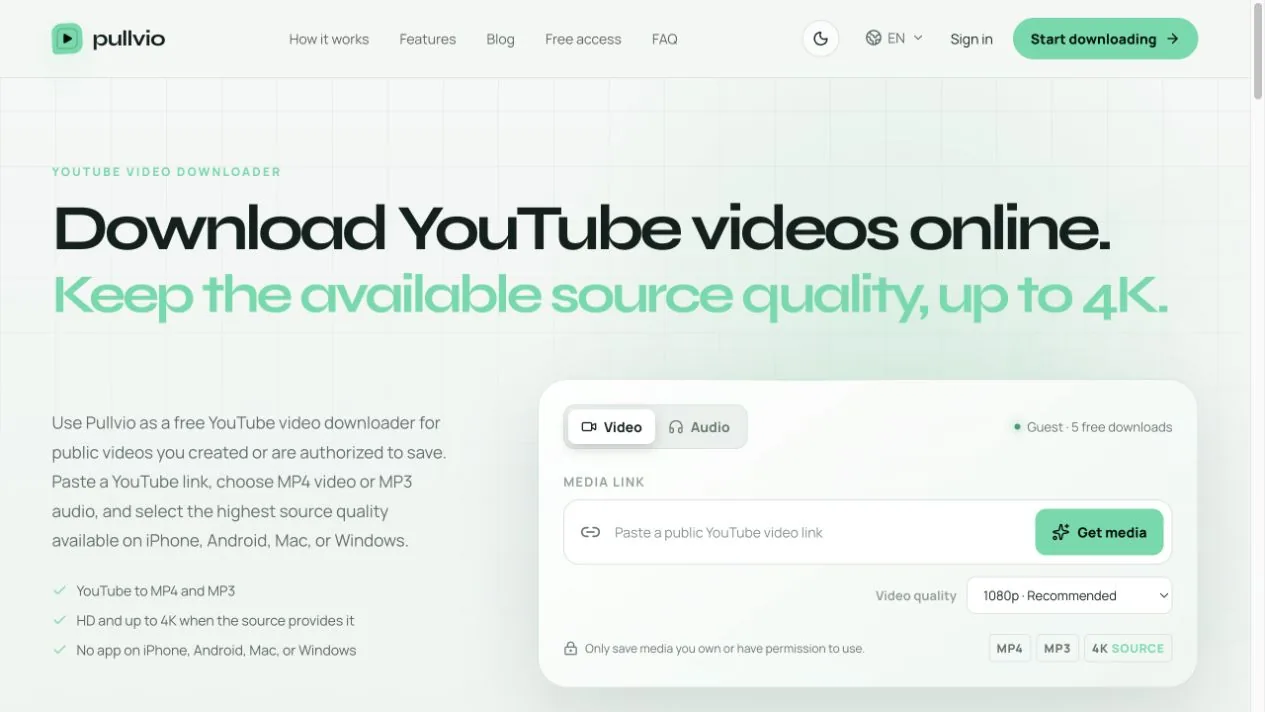
First, check whether the YouTube link is public
Open a private or incognito window and paste the URL. A public video should play without using the account that uploaded it. Private videos, members-only posts, rentals, age- or region-gated sources, removed videos, active live streams, and media that needs a signed-in session are outside Pullvio's public-link workflow.
YouTube distinguishes Public, Unlisted, and Private visibility. Pullvio is designed for public sources rather than account-authenticated access. If the upload is yours, the cleanest fix is to use YouTube Studio or your original project file instead of weakening a privacy setting just to make a third-party workflow succeed. YouTube documents its video privacy settings separately.
Copy the video URL, not a channel or playlist address
A channel homepage, search-results page, playlist collection, comment link, or text copied with a caption is not the same as a direct video URL. Use Share on the video itself. Do not manually add parameters or turn a normal URL into an embed URL; extra editing creates more ways to submit the wrong identifier.
When a shortened link redirects correctly in the browser, the safest approach is to let it open and then copy the final video address. Submit only the URL, with no surrounding sentence or punctuation.
Do not use the quality selector as a repair tool
The 720p, 1080p, 1440p, and 2160p choices describe the requested output ceiling. They do not guarantee that every upload exposes that source. If 4K is absent upstream, requesting 4K cannot create real detail. Start with 1080p for an ordinary test, then choose another available resolution only after the link itself works.
MP3 also requires a reachable source because the audio is prepared from the video Pullvio receives. If both Video and Audio fail on the same URL, investigate access and link validity before format settings.
Know when one retry is enough
A temporary provider or network error can justify one retry with a freshly copied link. Five identical retries usually add no information. If the link plays while signed out and still fails twice, keep the failure time and source URL, then use the Pullvio contact page so the team can distinguish a platform change from an isolated source.
For a clean test, use the YouTube video downloader. For format-specific questions, see why 4K video may use a separate audio stream.