To copy a Snapchat Spotlight link, open the individual Spotlight post, tap the Share icon, and choose Copy Link. Before using Pullvio, open that URL in a signed-out browser and confirm it reaches the same public video. A profile, chat, Memories item, or private Snap is not a substitute for a public Spotlight URL.
Copy from the Spotlight post, not the creator profile
Spotlight is a viewing surface containing many posts. The creator profile identifies an account, while the individual share URL identifies one video. Keep the post open when you tap Share so the copied address carries the correct item.
If the app opens a share sheet, use Copy Link rather than copying the caption from a message preview. Paste the URL into a note first if you need to separate it from other text.
On iPhone and Android, the share sheet may offer contacts and apps before Copy Link. Those destinations send a message; they do not necessarily expose the URL you need. Choose the explicit copy action, then inspect the pasted address before submitting it.
Verify the link on the web
Open the copied URL in a private browser window. The same Spotlight video should appear without relying on your Snapchat session. If it redirects to a generic page, asks for access unavailable to signed-out users, or says the post is gone, it is not a usable public source.
Stories and Spotlight are not interchangeable
Pullvio's Snapchat page also describes public Story links, but Stories can expire and their audience can differ. A working Spotlight link does not prove that a Story, private Snap, chat attachment, or Memories item is publicly available.
Do not upload a screenshot and expect the original video to be discovered from it. Images do not contain the stable media URL that the downloader needs.
Submit once and read the result
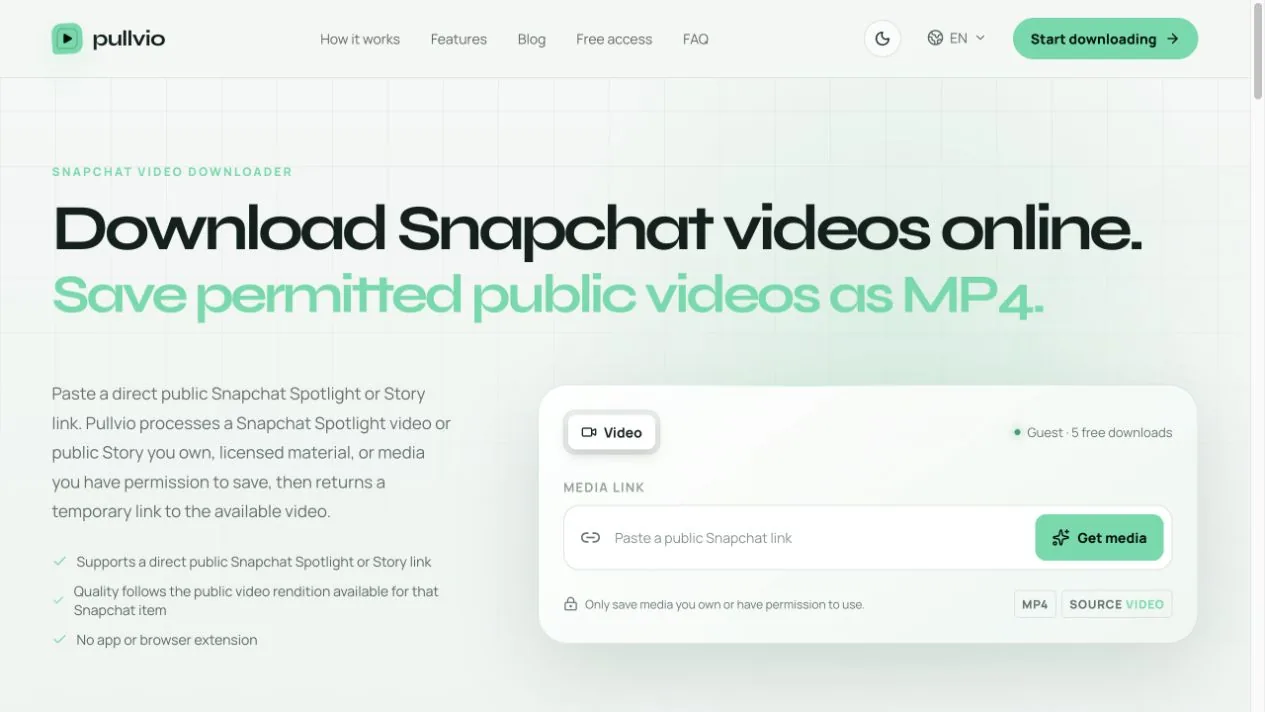
Paste the verified address into the Snapchat video downloader. A recognized public link can proceed to processing; an invalid or unavailable response means you should recheck the copied destination. Repeating the same private or expired URL will not change its access state.
Only save a Spotlight post you created or have permission to keep. Public visibility makes a link reachable; it does not transfer ownership or reuse rights.