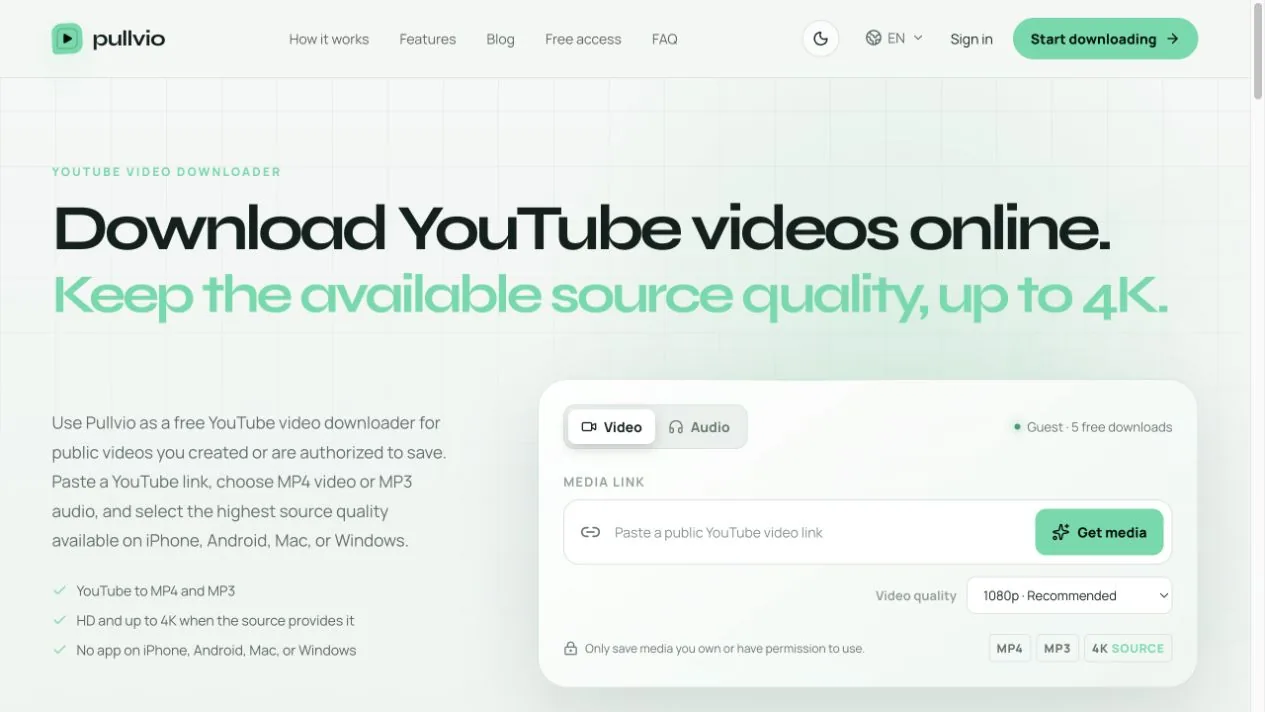
Copy the link from the Share button on the Short itself—not the channel page, Shorts feed homepage, description, or a related-video card. Paste that untouched URL into Pullvio's YouTube page. Rewriting /shorts/ into another URL format is unnecessary and can hide whether the original share link was valid.
Use Share while the Short is open
On a phone, open the specific Short, tap Share, then Copy link. On desktop, open the Short and use its Share control or copy the visible URL after the player has loaded. The resulting address commonly contains /shorts/ followed by the video identifier.
A channel link only identifies the creator. A Shorts feed address without a specific identifier may describe the viewing surface rather than the clip. Text copied from the description can contain unrelated URLs; those are not substitutes for the Short's own share address.
Do not “repair” the URL before testing it
Online advice often suggests changing a Shorts URL into a watch?v= address. The identifier may be equivalent, but manual conversion is not a useful first step. Submit the official share link first. If it fails, check whether the Short plays while signed out and whether the creator changed its visibility.
Remove only surrounding text accidentally copied with the URL. Keep the identifier, protocol, and YouTube hostname intact. A clean copied link is better evidence for troubleshooting than a hand-edited variant.
Why a Short may not offer 4K
Pullvio shows a quality request, not a promise that every selection exists. YouTube's current Shorts help notes that Shorts uploads can have a maximum resolution of 1080p. A 2160p option in the tool cannot manufacture a 4K source for a Short that YouTube only provides at 1080p.
Choose 1080p when you want the best practical test for a vertical Short. If the available source is smaller, the returned file may also be smaller. Check actual dimensions after download instead of trusting the label alone.
If the Short is yours, preserve the original too
A platform copy is useful for checking what viewers received, but it is not a master archive. Keep the camera file or final export separately. Platform compression, cropping, music licensing, captions, and overlays can make the published Short different from the original project.
Use the YouTube downloader for an authorized public Short. If the request fails before quality selection matters, follow the YouTube download troubleshooting checklist.